Windows 8 Developer Preview, a very early testing version of Windows 8 mainly addressed at software developers, is already available for download. You can choose between the 32-bit, 64-bit and 64-bit with development tools, and test it as much as you like until November 3rd, 2012 – the preview’s expiration date. Hardware requirements are the same for the three versions: a 1-GHz processor, 1 GB of RAM memory and 16 GB of free space in your hard drive. Not too much to ask for these days.
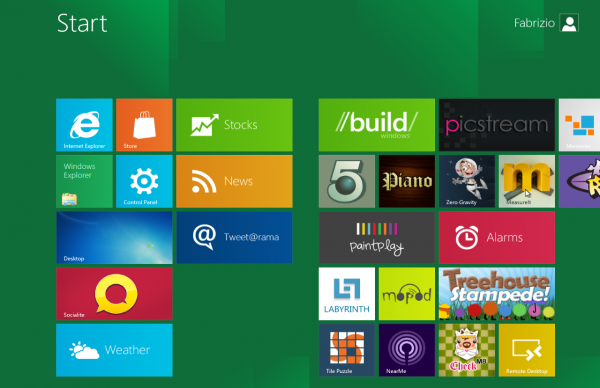
The Preview is offered as an ISO file, which you can burn to a DVD or mount as a drive in Virtualbox. Bear in mind though that some machines may have serious hardware compatibility issues – which, on the other hand, will allow you to enjoy the new Windows 8 blue screen of death. Now it’s a much more humane error message!
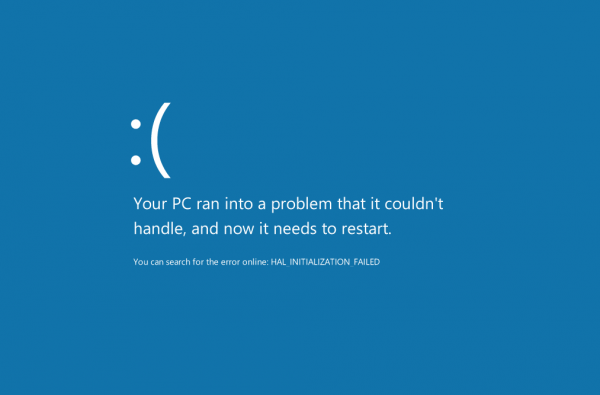
If you manage to install the preview, you’ll get a first preview of some of the new features included in Windows 8, including the new Ribbon-ed Windows Manager we mentioned on the blog earlier on, and the Windows Live syncing feature.
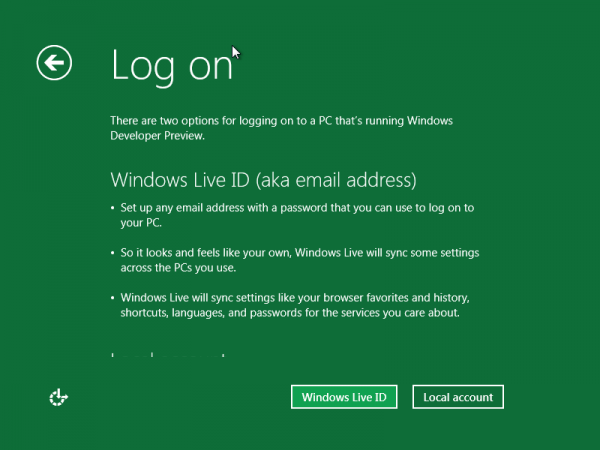
Another interesting element to try out is the Metro user interface, first seen in Windows Phone 7, which requires a minimum screen resolution of 1024×768. Though it’s better experienced on a touchscreen, Metro is definitely one of the most outstanding features in Windows 8 – a totally revamped way to browse files, access your favorite programs and manage the system in general.
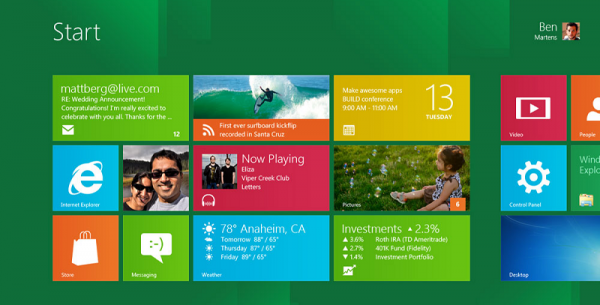
While still quite limited and very unstable, the Windows 8 Developer Preview is a great chance to have a quick first look at Microsoft’s upcoming operating system. If you’re feeling adventurous, grab the ISO file and give it a go in Virtualbox – probably the safest way to test it.