
Internet Explorer 9 is finally available for download. Microsoft has released the final version of their popular browser for Windows 7 and Windows Vista, both in 32 and 64-bit versions. You can download them all from Softonic.
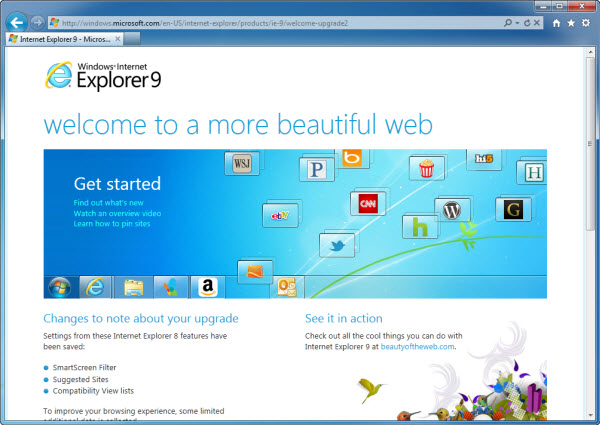
There are no significant changes since the Release Candidate we tested a few weeks ago. But we thought it would be a good idea to go over the most outstanding features in Internet Explorer 9 once more, especially for those of you who haven’t been testing the previous versions (Platform Preview, Beta and RC).
Web Slices
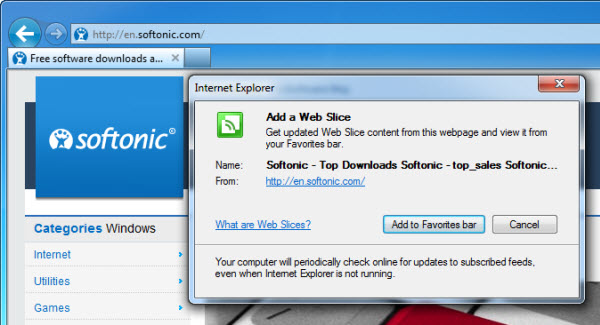
Internet Explorer 9 lets you add special web elements like top lists to the browser’s Favorites bar. These elements are known as Web Slices and their content is updated automatically.
SmartScreen Filter
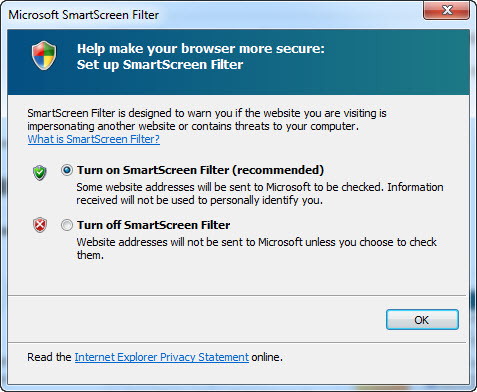
The SmartScreen Filter, which we already saw in Internet Explorer 8, detects and warns you about potentially dangerous websites, and blocks any attempt to launch a phishing attack or download malware.
Add-on Performance Advisor
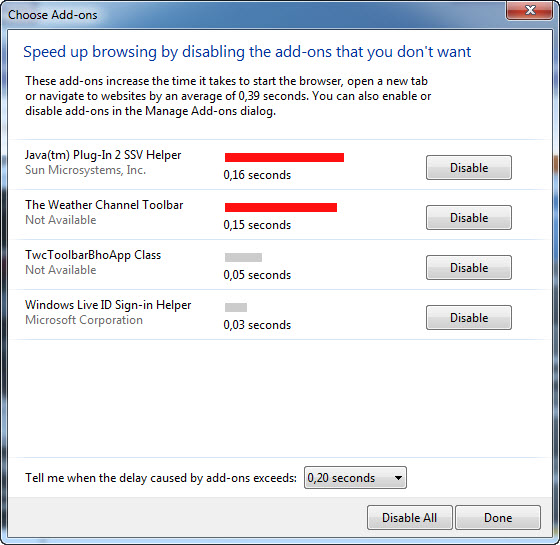
Thanks to the new Add-on Performance Advisor, you can easily identify add-ons that may be slowing the browser down and disable them individually to optimize speed and performance.
New download manager
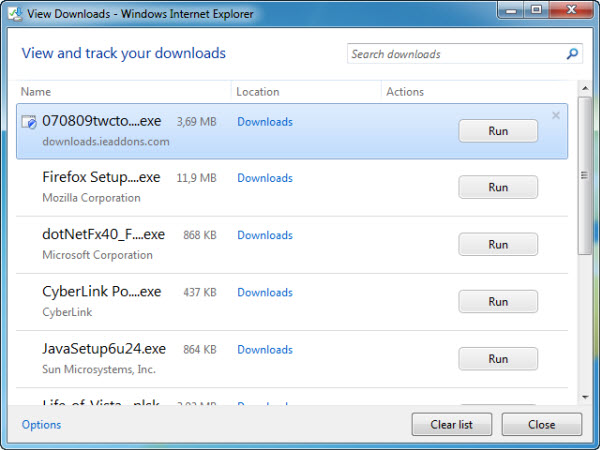
The Download Manager in Internet Explorer 9 is a powerful tool that features a pause/resume utility and automatic file security check – provided you have the SmartScreen feature enabled.
Pinning websites
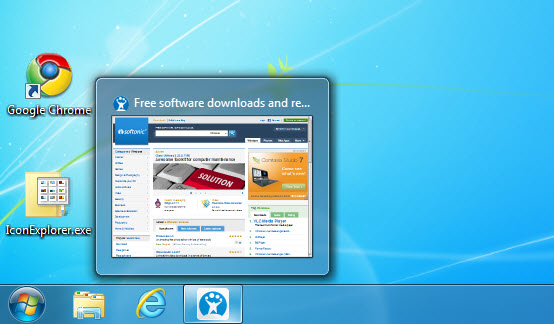
Internet Explorer 9 lets you pin specific websites to the superbar o the Start menu, for faster access. This makes the toolbar in Windows 7 even more useful, and allows websites to work in close collaboration with Internet Explorer 9, as long as they’re optimized for it.
InPrivate browsing
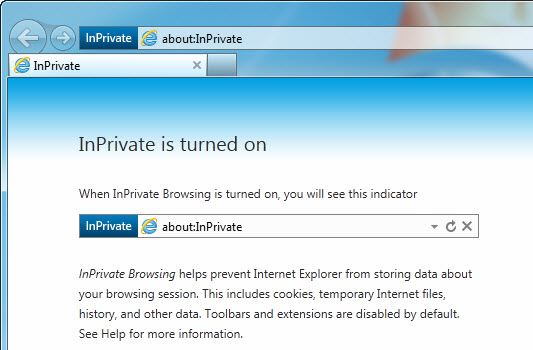
The InPrivate browsing mode enables you to browse the web without leaving any usage traces on your computer. No history, cookies or any other signs of activity will be saved while the InPrivate mode is turned on.
One Box
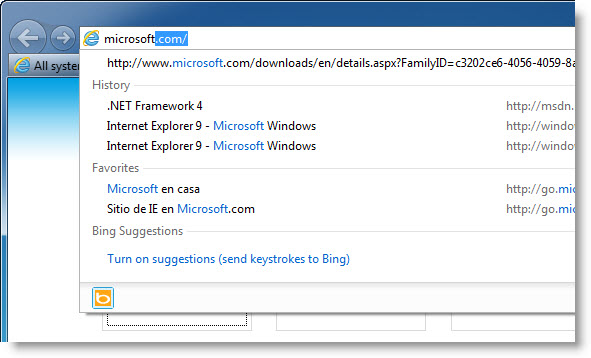
The address/search field in Internet Explorer 9 is now known as One Box, and integrates the address bar, the search bar and also a field to search through your most recent browsing history or launch a bookmark, just like in Google Chrome.
Tracking Protection
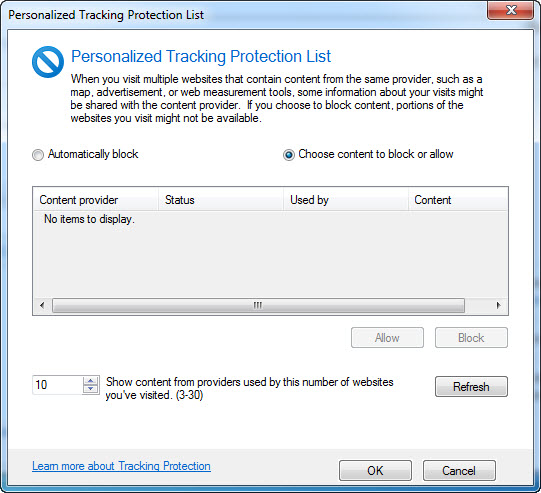
With Tracking Protection you can block certain websites from tracking data about your online activities. In this way, when you visit multiple web pages that serve content from the same provider, you’ll prevent that provider from sharing that information about your visits.
ActiveX filtering
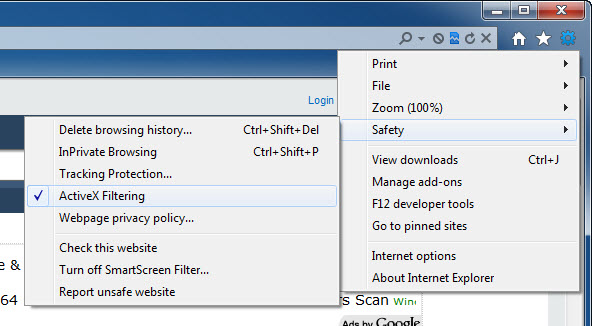
The ActiveX filter enables you to switch ActiveX elements off while you’re browsing the web for an extra layer of security. When the feature is on, you can turn it off again for certain websites by clicking the filter button in the address bar.
