 The complete Microsoft Office suite is quite expensive (with suggested retail prices starting at $149.99) and not everyone can afford it. However, being the most widespread productivity suite, Office apps have become almost an industry standard – which means we’re all forced either to use it or at least to use a program that’s compatible with Microsoft’s file formats.
In the case of DOC and DOCX files, you should know there are a few interesting alternatives that let you work with them without having to buy Microsoft Word. Here’s a selection of free apps for text processing that can meet your needs without costing you a cent. Ad if you use Mac, don’t forget to check also our list of Word alternatives on Mac!
Writer
Writer is the text processor included in the OpenOffice.org suite. It’s probably the most used alternative to Word, though its interface is quite different from that of Word 2007 and may be a bit off-putting for some users.
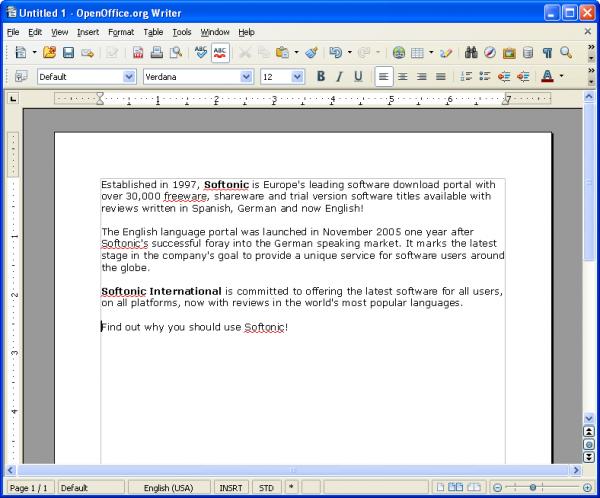
Writer clearly has fewer features than Word, but it includes all the main tools and functions that most users need in a word processing tool. Plus, it supports both DOC and DOCX files.
Abiword
Like OpenOffice.org, Abiword is also open source. As it’s just a word processor it’s lighter than a complete productivity suite, and it’s the perfect solution if you only need a tool to work with text documents in Word format. Abiword includes all the basic text editing tools, as well as support for tables, headings and footers.
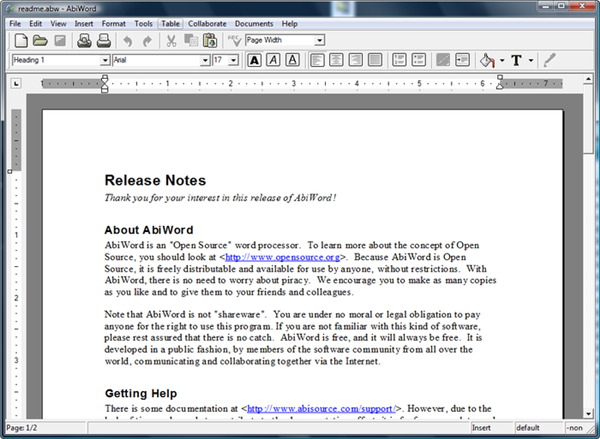
Abiword also supports plug-ins, which means you can extend its functionality to suit your needs: ability to import data from other tools, built-in translators and search engines, etc.
Google Docs
Google Docs is the online text processor from Google. All you need to start using it is a Gmail account, and then you’re free to start writing right on your web browser, without having to download anything or worrying about saving the file – Google does it automatically for you. Being an online suite, you obviously need an Internet connection to use it.
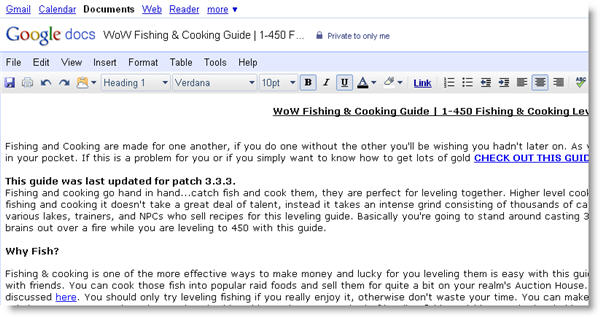
Besides creating and editing DOC files, and also sharing them with other users, Google Docs also lets you work with other standard industry formats such as PDF, TXT, RTF or HTML.
[via OnSoftware FR]